


Original price was: $44.90.$31.43Current price is: $31.43.
- Easy, Fast Returns Guarantee
- Shop with Confidence, Pay Safely
- Buy Quality, Live Better
- Safe Payments, the Smart Choice

Introduction
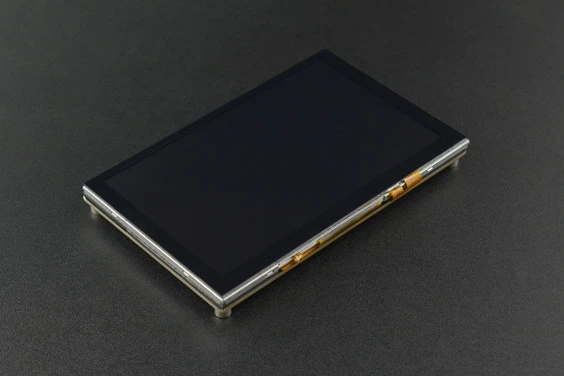
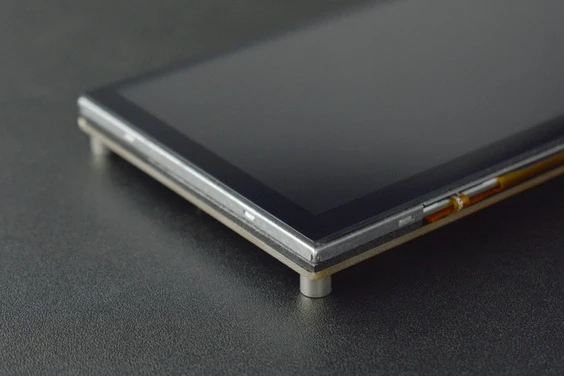
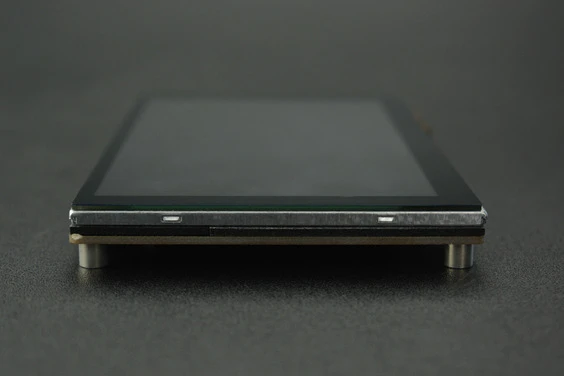
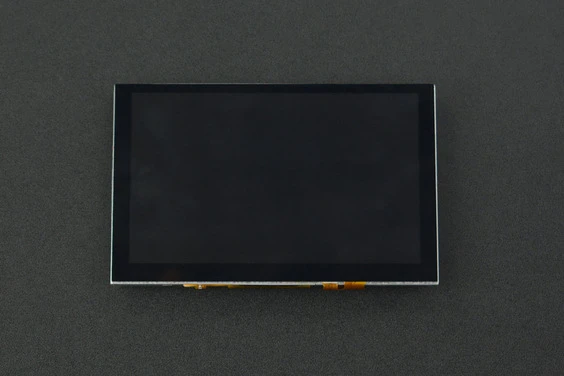
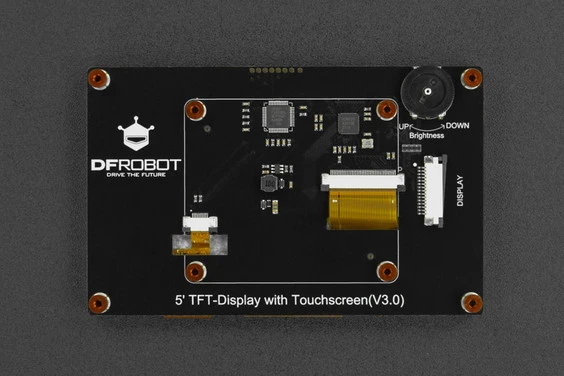
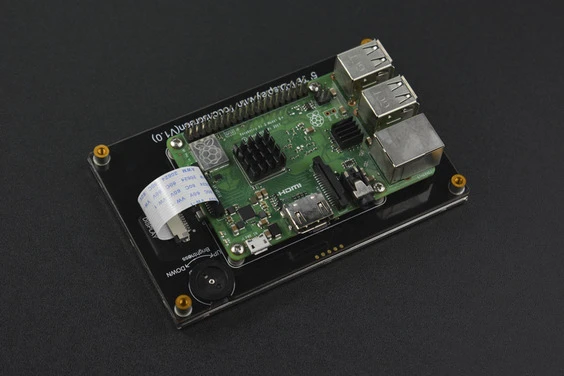
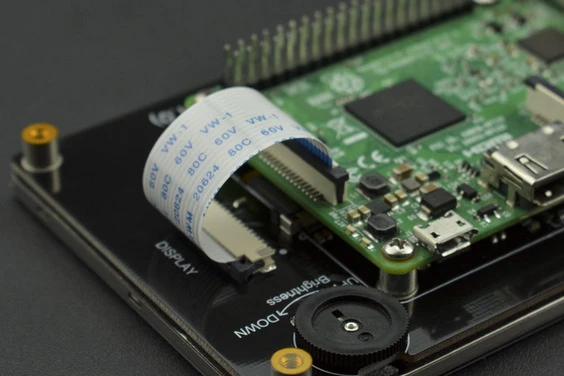
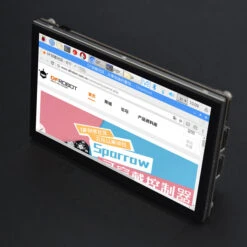
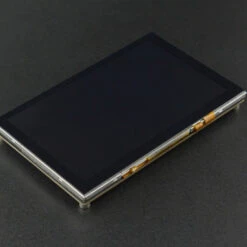
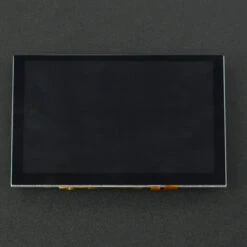
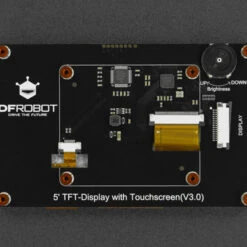
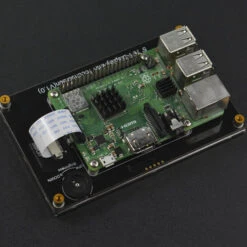
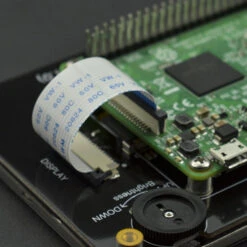
The special holes design on the back of the screen is convenient to directly install the Raspberry Pi in the product. There is no need to provide external power for the touchscreen as the Raspberry Pi power supply is adopted. In addition, the screen supports hardware backlight adjustment. The function can be realized by turning the potentiometer on the back of the display.
Features
- Capacitive Touchscreen, Support 5 TouchPoints.
- Raspberry DSI Direct Driver
Specification
- Operating Voltage: 3.3V (Supplied by Raspberry Pi display interface)
- The Maximum Operating Current: 320mA
- Screen-off Current: 100mA
- Resolution: 800*480
- Video Interface: Raspberry Pi DSI
- Number of Touch Points: 5
- Viewing Angle: 60°/70°/70°/70°
- RGB888-16 Mega True Color
- Refresh Frequency: 60Hz
- Luminous Efficiency: 280 cd/m2
- Operating Temperature: -20℃~70℃
- Dimension: 121mm×76mm / 4.76″ × 2.99″
- Mounting Hole Size: M2.5
- Outside Mounting Hole Position: 113mm × 68mm/ 4.45″ × 2.68″
- Inside Mounting Hole Position: 58mm x 49mm/ 2.28″ x 1.93″
Projects
Project 2. Top 10 Worth of Trying Raspberry Pico/Pi 4/Pi 3B+ Projects
Project 3. 30 Awesome Projects for a Raspberry Pi
Project 4. Iris Tracking – Testing Raspberry Pi Capacitive TFT Screen
Introduction:
I got a chance to test this Raspberry Pi 5” TFT capacitive screen a while ago but I was busy all the time. Finally, I have some free time lately. This day I was on the MediaPipe site and just found the “MediaPipe Iris” function. Although the Python version of MediaPipe does not support Iris tracking, it doesn’t bother me. I decided to give it a try!
Documents
Shipping List
- 5” TFT-Display with Touchscreen(V1.0) x1
- FFC cable 45mm pitch 1.0mm-15pin x1
- M2.5*8 Standoffs x8
- M2.5*6 DK4.9 Machine Screws x8
Be the first to review “5” 800×480 TFT Raspberry Pi DSI Touchscreen(Compatible With Raspberry Pi 3B/3B+/4B)”
Related products
Raspberry Pi
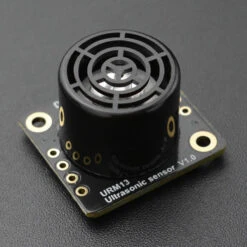
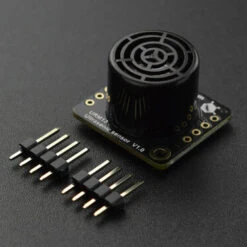
Fermion: URM13 High Sensitivity Ultrasonic Distance Sensor Breakout (15~900cm, I2C / UART / PULSE)
Prototyping & Accessories
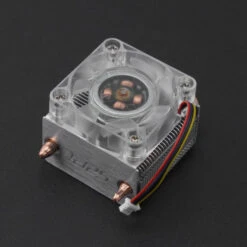
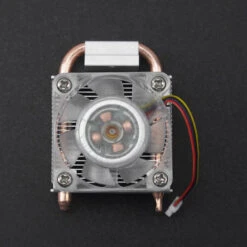
Other ICE Tower Cooler For Raspberry Pi 5 Single Board Computer
Prototyping & Accessories
Other Type-C Universal Power Adapter (5V 3A) For Raspberry Pi And NVIDIA Jetson Nano
Raspberry Pi
Reviews
There are no reviews yet.